

BYOK Review: First Impressions of the Distraction-Free Writing Device
Look what I’ve got!! No, seriously, look at this little beauty!
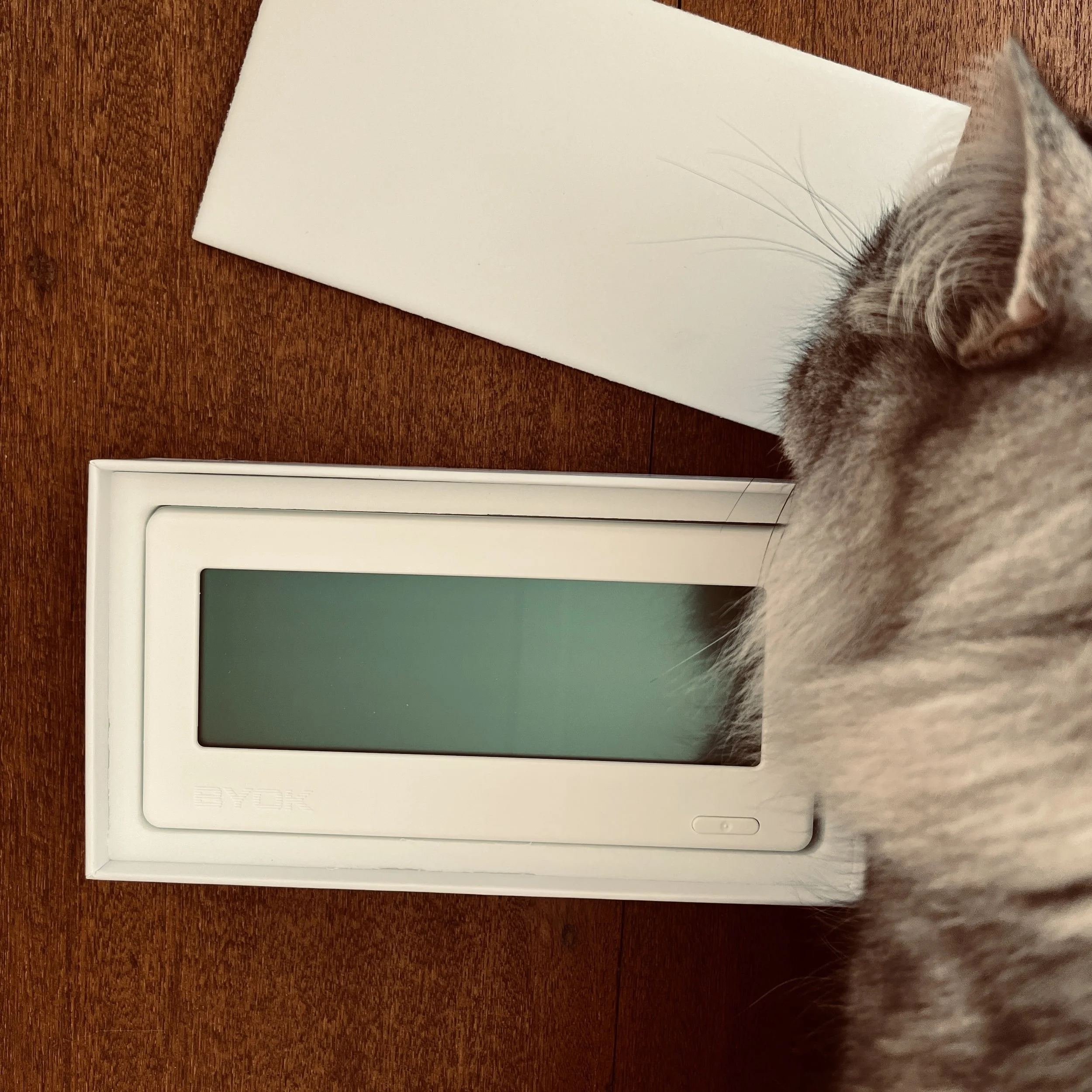
The story of how I ended up with this BYOK — which stands for Bring Your Own Keyboard — is fortuitous and a bit hilarious. But let me leave that for later.
This is a portable distraction-free writing device that you can wire or bluetooth a keyboard to.
Aesthetics
First up, when it arrived I was so excited that I opened it to have a look while waiting at the pharmacy. I had to see it and my first thoughts were positive — beyond my expectations.
To begin with, the BYOK has a look and feel that belies its plastic casing. It's heavier than I expected — and while you might be thinking, hold on, that’s not a good thing if it's meant to be portable writing device. No, I don't mean it's super-heavy, I mean, you instantly think this machine has a quality feel.
Next up, and I hope I don't sound like a wanker writing this, but the casing's plastic has a lovely texture. It's aesthetically pleasing and, for plastic, it feels really luxe. I can be practical, but I guess I’m also “that” person. I noticed and I liked it.
Remember, I've not had time to give the BYOK a true try at this point. That will take weeks, if not a month or so, and this post is also not an instruction manual. BYOK provides that online. I'm simply describing my first thoughts on seeing it, and my first try of it, which is actually right now as I write these words.
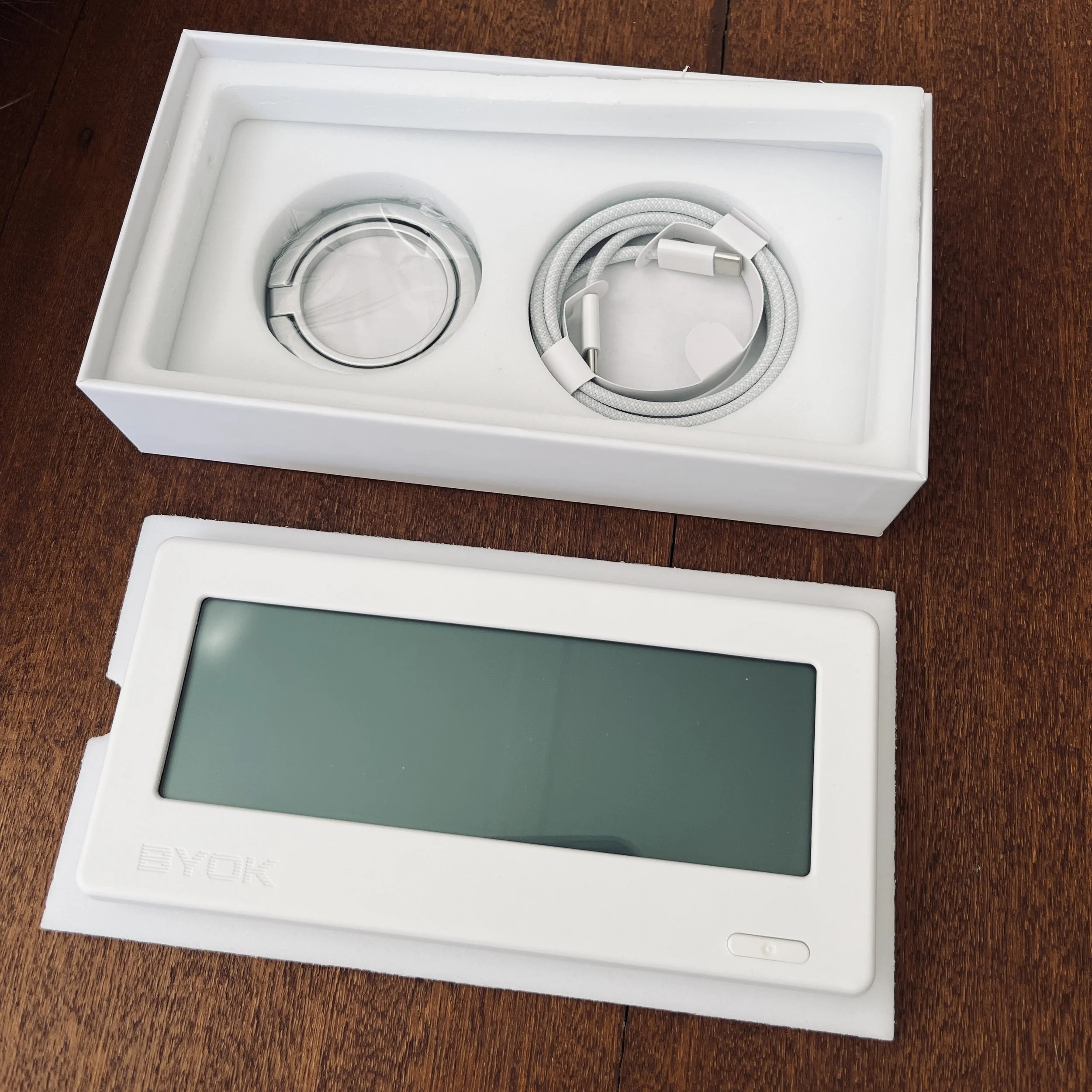
Top: optional kick stand to attach to device; charging cord. Bottom: The BYOK device (or base)
Initial set up
It took me only ten to fifteen minutes to get set up. It included getting the lay of the land so to speak. To give you some idea of what that means:
I worked out how the cursor moves around using the BYOK base
I connected a lovely new apple keyboard (that I had ended up with serendipitously)
I was then able to learn how to work the BYOK via the keyboard. You'll be happy to know that, while you cannot type without a keyboard, you are able to use various other settings and manipulate files (create, delete, make a project, etc) without one.
I signed up for Studio, an app the BYOK company has been developing for some time
Then I connected my BYOK device to Studio — as in, I started syncing between them
I made my first 'Project' called Blog. Projects are essentially folders in which you can place your files. In this case, my first file is this one named BYOK - First thoughts.
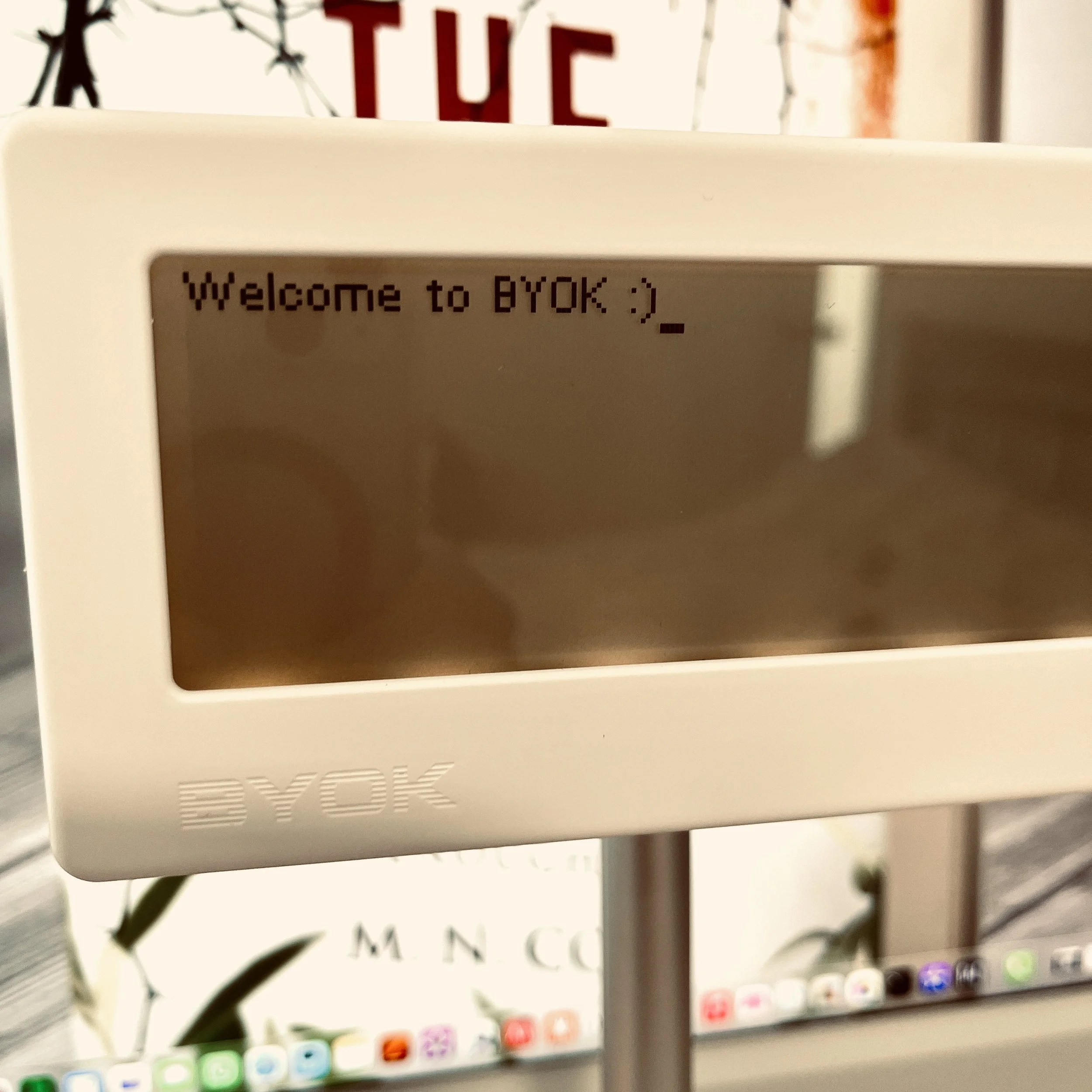
Studio
Regarding Studio, time will tell whether it captures me enough to sign up and use it on a regular basis. However, I have been a longtime (I mean a really long time) user of Scrivener and that software is pretty darn good. So, bluntly, it would take a lot for me to swing over. Especially to a subscription model (which just made me think. Scrivener - please do not switch to a subscription-only model!).
However, if I don't keep using Studio, it won't be because it doesn't look smooth, gorgeous, and appear to have incredible options that also work rather nicely based on my little try out just now. It’s an attractive app. I’ll let you know my deeper thoughts after trying it, regardless, but there are other options for getting your written pieces from BYOK to a computer or laptop to edit or publish. I’ll discuss that further down.
Some basics
Now that I'm sitting here writing on BYOK, these are the things I’m noticing:
The option to backlight the screen. There are a few strength options, or you can turn it off. Nice for these old eyes.
Though BYOK is ideal for first drafts rather than editing, I just discovered that if I do really want to go back and change something I have that option using the arrow keys on my keyboard. It's not as easy as on a computer or laptop where you can use the mouse to plop the cursor where you want, or to highlight blocks of text to cut and paste or delete.
The screen is a very usable size. I had wondered, will it feel too small? It doesn't.
There are three options for setting type size, by the way. I chose the medium size which gives me six lines across the screen. That’s quite a good amount of text to see on the screen for a first draft that you’re pumping out quickly and not editing. But the small setting offers eight and the large offers five lines.
There is no lag as I write. I tap and I see the letters immediately.
There is gentle lag when the screen moves upwards, i.e. when my writing moves onto the next line. Not a problem, just something I notice.
There is no spell check. Of course! That also means there's no AI capability mixed into this machine. I think a lot of writers will be happy about that. 🤗
When I went to switch it off I found if you just quickly press the ‘on-off’ button it brings up a little information strip at the bottom of the screen showing how much free space you have left — I have 118MB — as well as how many words you’ve written, when it last synced, and very important, especially given many people will want to use this device while traveling or at a café, it shows you how the battery is faring.
Hold that button down for a couple of seconds and the device powers down. Press the button again just briefly and, boom, it comes back on.
I am really enjoying how nicely the words spill out onto the screen as I type, and I suspect the BYOK is going to be extremely useful for me.
I use a little mind trick when writing first drafts. I tell myself, ‘You can do the most messy, ridiculous, embarrassing first draft you want because no one is ever going to see it.’ Then I just regurgitate words onto the page. The thing is, it might be bad, but it works for me. I can then take those words and edit them into something. Whatever works. 🤷🏻♀️
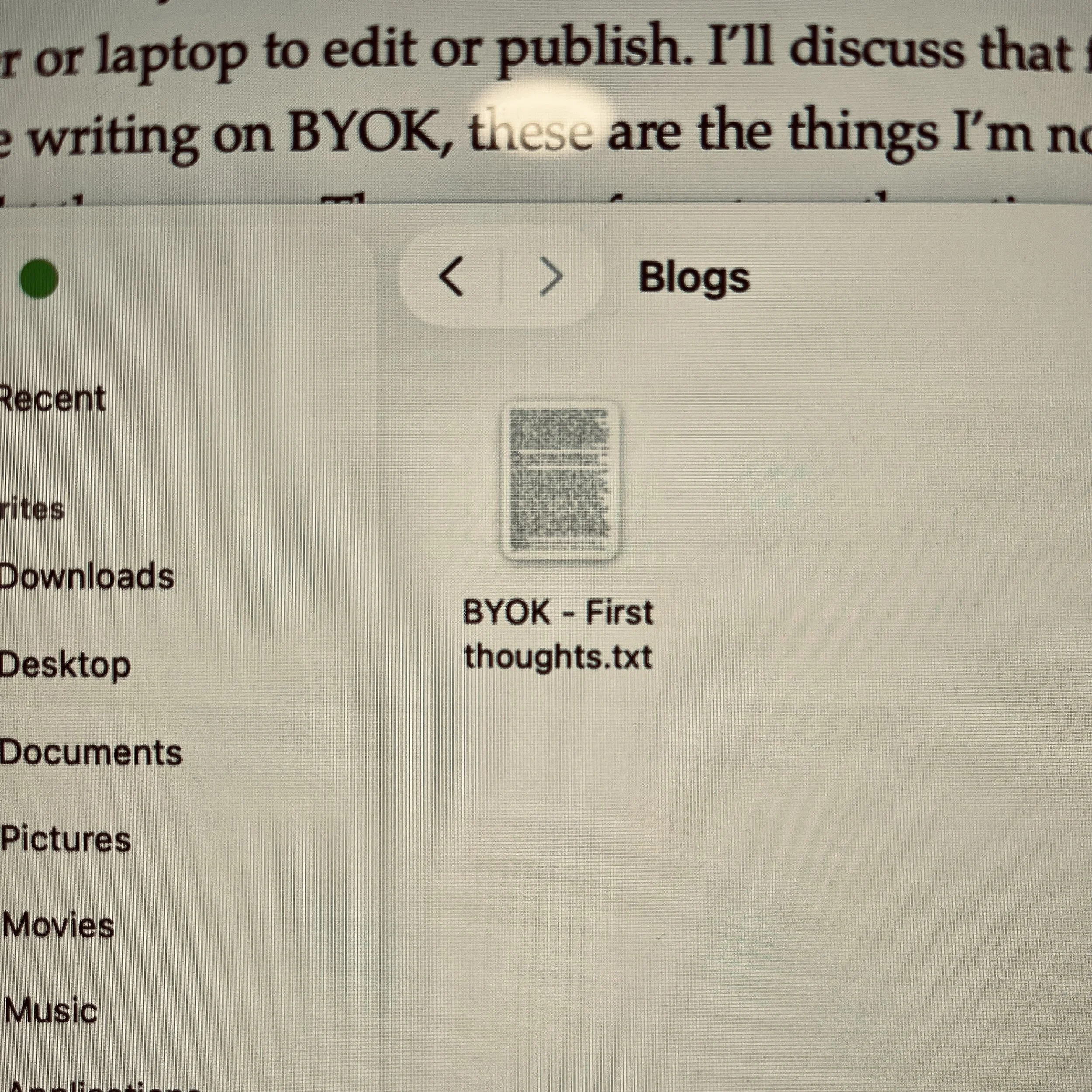
.txt file from the Micro SD card
Syncing
Now to the sync question. Studio clearly offers a lovely and easy way to sync your work between the BYOK and your computer. But for those who don’t want to use Studio there are other options.
They include a micro SD card in the side of the device that you can physically pull out and plug into your computer to transfer a .txt file of your work.
I felt it was a nice touch that the 128MB micro SD card was already installed in the device when it arrived. If you can’t plug a micro USB straight into your computer (I don’t know if that’s even a thing that anyone can do) you can use an adaptor very easily. Many people already have adaptors laying about but, if you don’t, you can grab one from places like Officeworks. The adaptor looks like a normal (that’s a technical term 😉) sized SD card but it has a little slot where you put your micro SD card in. Most computers have SD access slots so then, away you go. I tried it and it’s a workable way to get your files from the BYOK to a computer.
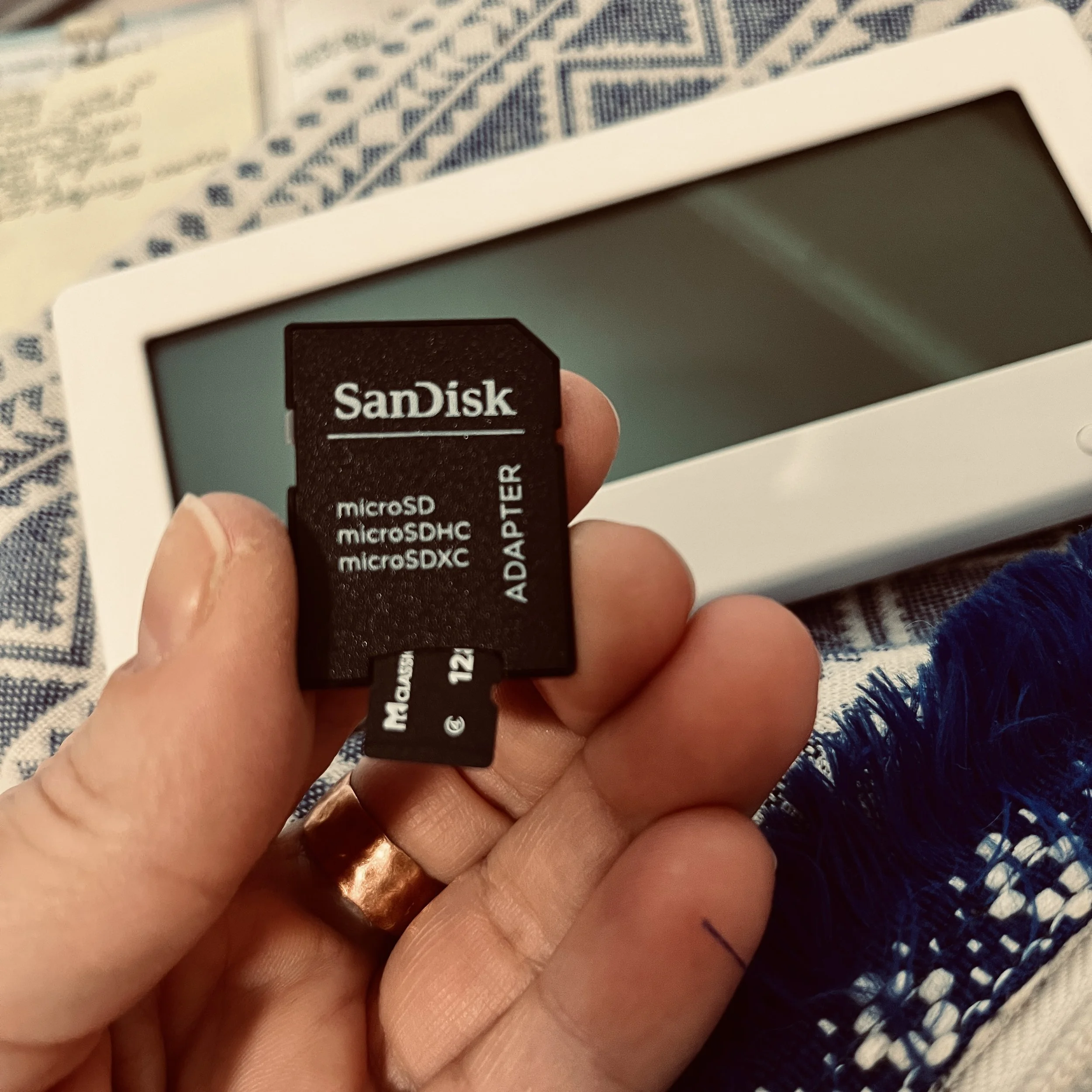
An adaptor. I’ve left the Micro SD card hanging out at the bottom so you can see where it goes.
Note: When using Studio sync if you have worked on a file on BYOK and Studio at the same time you can end up with a conflict. I hate that sort of thing but it is the way of things (Scrivener is the same if you use a cloud storage system with it), it’s not a ‘problem’ with the device or software. You just need to be aware of the rules and make sure it doesn’t happen. If it does, though, Studio tells you and gives you the opportunity to choose which file you want to keep and work with.
Power
The device arrived with some power in it. I assume a fair bit because I only had it plugged in for a short spell this afternoon before I noticed that a green light come on, on the right-hand side, which I have to assume was telling me that it was completely powered up.
I’m really interested to see what power usage is like and how often I need to charge it.
The BYOK has been designed straight into the USB-C plug ecosystem which is great. More and more of our devices will all be using the same plug type and what a relief that’s going to be! Meanwhile, I still have a phone on a lightning charge cord, but I am going to get as much as I can out of that phone before one day getting a replacement and finally enjoying a phone with USB-C.
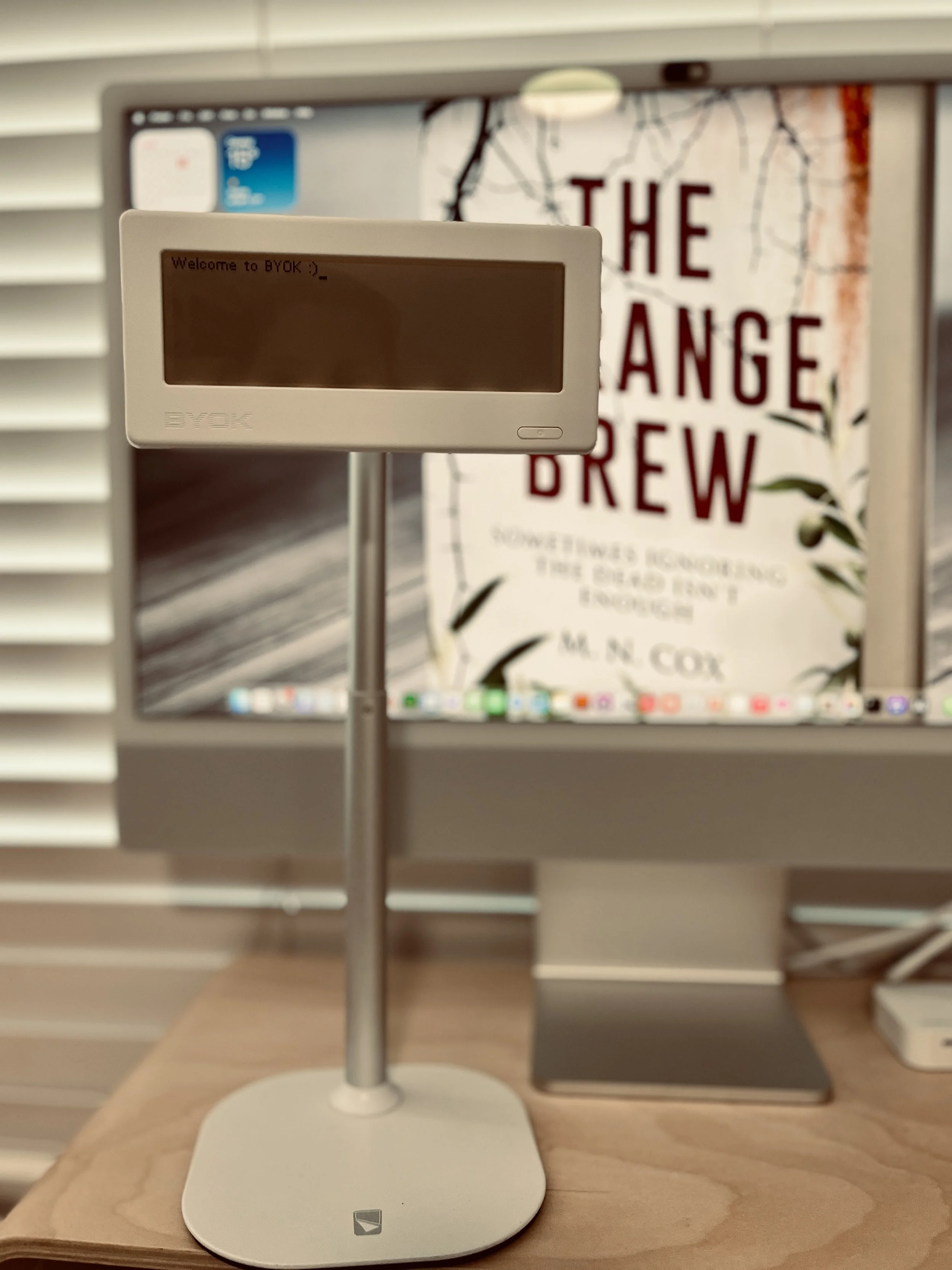
The set up on the magnetic stand (not included). BYOK does come with a small stick on kickback style stand included, though. Options.👍🏻
How I got the BYOK
Now, a quick story. I have deactivated my Instagram now but about a year and a half ago I won this great little BYOK device in an Instagram competition. I was SUPER, super excited about it. To be a winner but even more so to win something that I wanted so badly!
What I didn’t realise was that it would take time. BYOK was just coming out of their Kickstarter, I believe, and while I don’t want to speak incorrectly for them, I wonder if they themselves realised the timeframe the manufacture and everything else would take. As someone who has not designed and brought to fruition a product like this, I can only imagine that it’s a long and arduous process (that has clearly paid off!).
(Note: I wouldn’t feel right if I didn’t say that, despite the delay I’m describing, I could have had it a few months back but I chose to wait for a white model. Oh … 😳 I really am “that” person.)
At any rate, I had imagined myself getting this BYOK within a few weeks (my bad 🤦🏻♀️), so I immediately ordered this magnetic stand to use with it. There’s another great thing about the BYOK, by the way — it attaches right onto a magnetic stand! I love that.
Anyhoo, I got this stand in the mail, still no BYOK, but I thought, wouldn’t it be great if I could somehow “make” my phone attach to it? Well, my iPhone automatically attached! Who knew?! I’m guessing every iPhone owner EXCEPT me. 😂
I have used that magnetic stand with my phone every single day since then (barring times I’ve travelled - it could be taken apart easily with an allen key, but it doesn’t fold. If you’re a big traveller there are better models for you). I feel like I couldn’t do without the stand at this point, and now it’s holding my BYOK nicely. I’m a happy tappy-typer today.
My cat, Sam, is also good quality. 😁 Just sayin’
Initial thoughts summary:
1. Worth the wait.
2. I appreciate the attention to detail that Nick and the BYOK team obviously have.
3. Handy for anyone (like me) who writes daily.
4. Even more importantly, this device is ideal for people like me who work ugly first draft style, i.e. putting aside all thoughts of, ‘Is this good?’, ‘Is this neat enough?’ Just spilling the words onto the page as you think them then worrying about the prettying up later. I thought BYOK sounded perfect for that very process, and I believe I was correct.
Let me use it for a month or so, then I’ll come back and give you an update. In the meantime you can find the devices for sale here.
Thank you to BYOK! 🤎 I’m really grateful for little device.
Morgan xx
P.S. I had a little heart pounding moment when I first had to trust the device to save and sync what I'd written (over a thousand words that I was rather happy with). First time jitters. But the Studio sync handled it perfectly. 👏🏻